

IT Portal
Our most powerful IT Portal yet! See everything going on technology-wise within your organization, manage your tickets and projects, and much, much more.
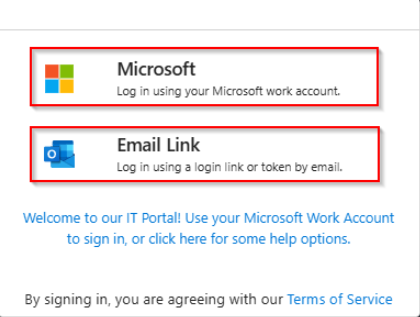
To log in, simply choose one of the two login options:
- Microsoft Work Account: If your organization already uses Microsoft 365, this is the best and easiest option to log in. Sometimes the login screen will be automatically bypassed if you’re already signed in to your Microsoft Work account! This is the most seemless and most reccomended way to log in.
- Microsoft Personal Account: You can also log in with your Microsoft Personal account if your email matches the one we have on file.
- Email Link: This method will work for anybody that already has an email registered in our system. Enter your email and you will receive an access token.
Support PIN
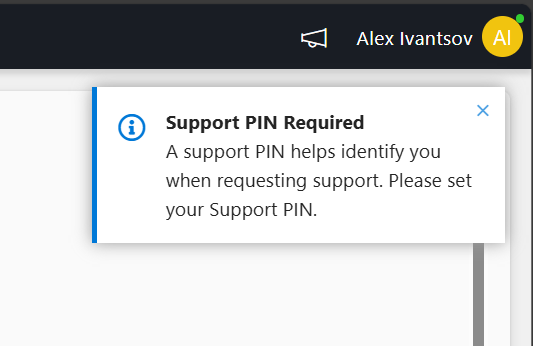
The first time you log into the portal you will be propted in the top right of the screen to set up a Support PIN. Click on the message to set it up!
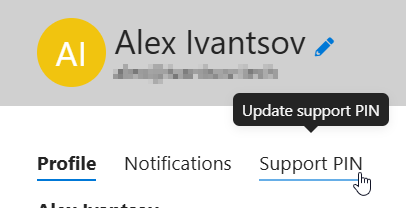
If you don’t see the message or you have previously set up a Support PIN and would like to update it, simply click on your name in the top right corner of the page, then click on the Support PIN tab.
Rules for your Support PIN
A Support PIN is not your password you use for your computer or email. Likewise, do not set a PIN you use anywhere else, such as your ATM or Phone Unlock Code. The best support PIN is a simple passphrase or codeword that you can easily remember and don’t use anywhere else.
Think of your Support PIN as a type of Security Question. We will occasionally ask for your Support PIN to help us to identify you. Having a Support PIN associated with your account helps ensure that we are talking to you, instead of someone pretending to be you. Here are some examples of good Support PINs you can use as inspiration for creating your own (DO NOT USE THESE!):
- 2wildtigers
- solarflare
- hotcoffee
- giveandtake
- wickedwitch
- 1975chevy
Homepage
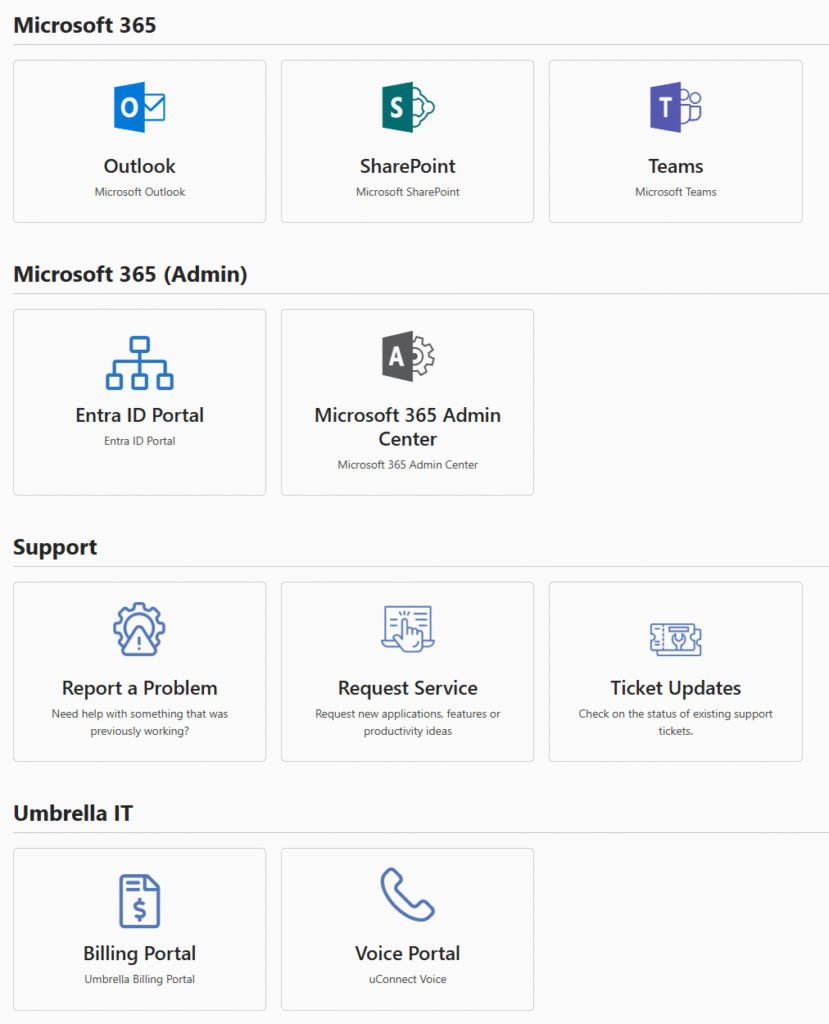
Once you’re in, you will land on the homepage which contains quick links to all your favorite apps and services. To get more apps, links, or items added to your company’s homepage, give us a shout!
Applications
This is where you will find ALL of your Company’s Applications and Categories. These may include default applications delivered to everyone, or we can import the applications you use every day.
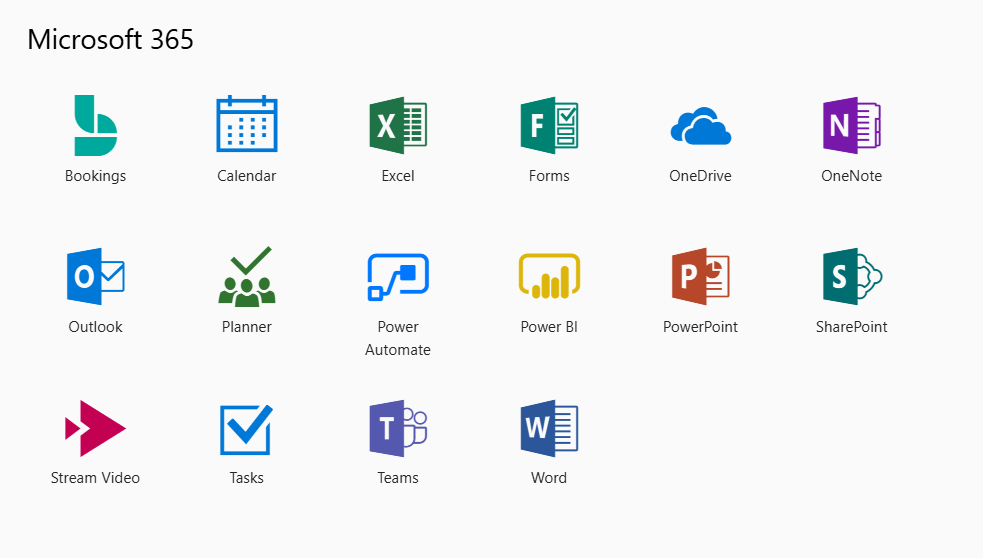
You have the ability to “pin” apps to your favorites so you can quickly and easily get to them.
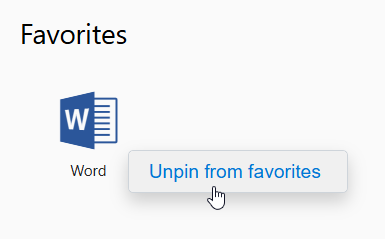
To pin or unpin, Right-Click on any application item and you will see the option to pin it to the top of your screen.
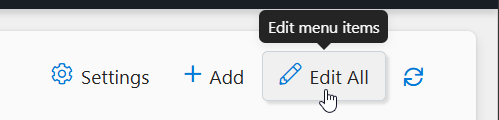
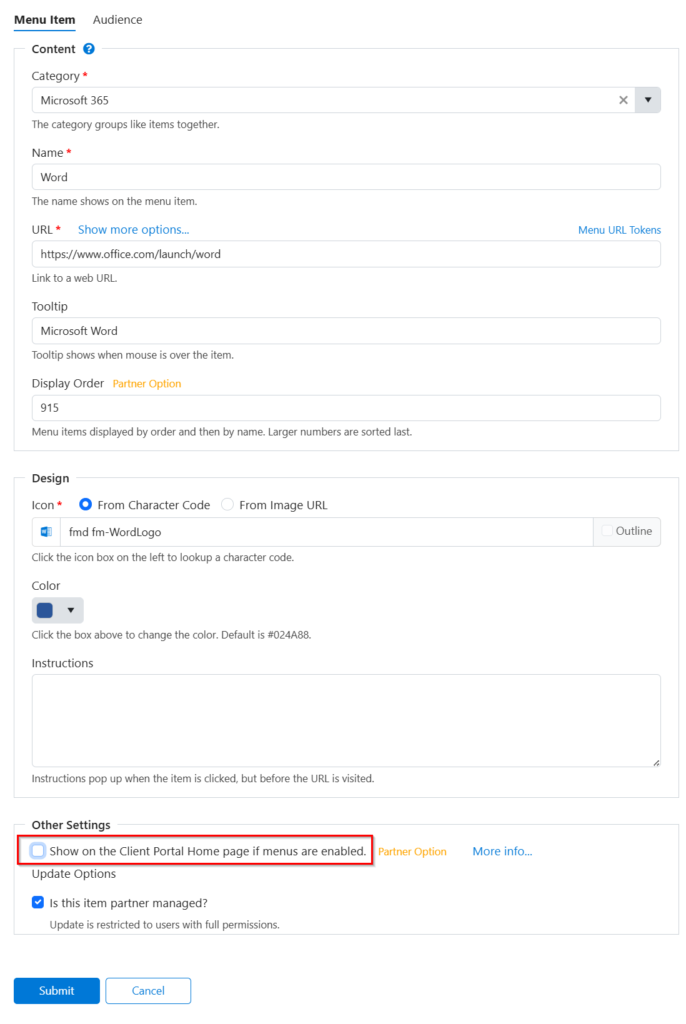
Company Admins have the ability to modify this list, add and remove applicaitons, and pin applications to the Homepage. To begin, click the Edit All button at the top right.
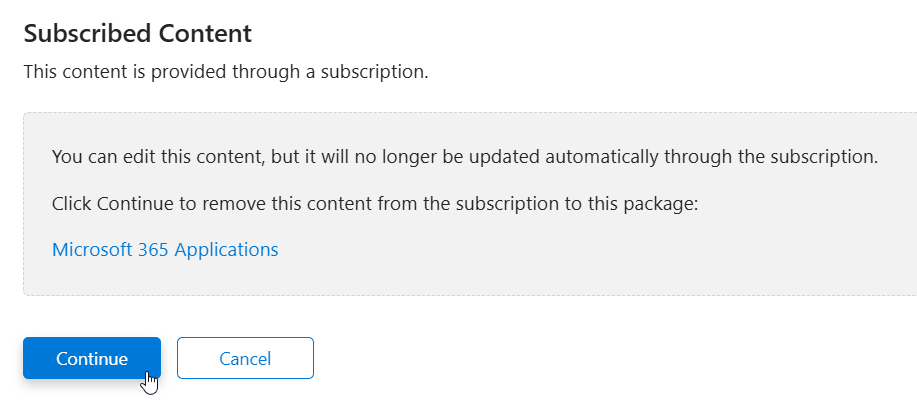
Select any application from the list. If the application is something we created in your account, you will have to confirm that it will no longer be updated by us. Click Continue.
You can edit any aspect of the Application. To show the application on your Homepage, select the checkbox for “Show on the Client Portal Home Page…”
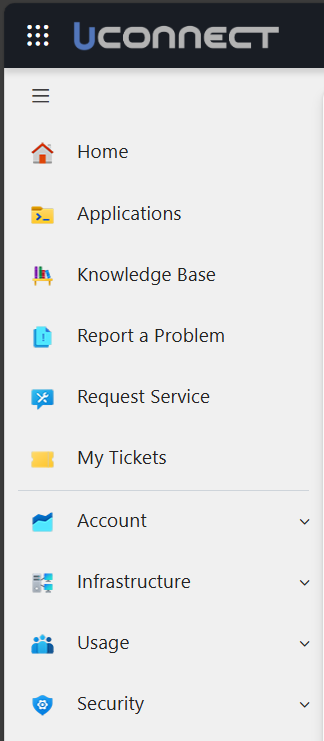
On the left side-bar, you will find all apps and services availabe to your account:
- Applications: Mostly Microsoft Apps by default, but let us know if you would like us to add any apps or websites you use frequently at your company!
- Knowledge Base: Find usefull information or training material here about the how to use the portal and Microsoft 365 applicaitons
- Report a Problem: Open a ticket regarding something not working as expected.
- Request Service: Open a request ticket such as a new hire or user termination.
- My Tickets: View all open tickets where you are listed as a contact. Company admins can view all tickets for the organization.
Company admins can view much more information about the company, devices, projects and invoicing happening as it relates to Umbrella or IT Systems. Feel free to explore around and give us feedback!
Billing Portal
Bills, Invoices, Autopay and more. Use this portal to view your invoices, services, and everything in between. All financial related matters go through Umbrella IT Connect Booster, and additional support for accounting related matters are provided by our Accounting Support: accounting@umbrellaitgroup.com
Voice Portal
ReachUC (Web Access Telephone)
Phone App. The app which allows you to use your business phone with uCONNECT Voice. Receive and make calls, SMS messages, and much more.
If you are a uCONNECT Voice subscriber, you can use this portal to log in and manage your account. You can modify some of your business phone settings, manage users, and reset your ReachUC account password.
