Personal vs. Work-Joined Devices
- Insights


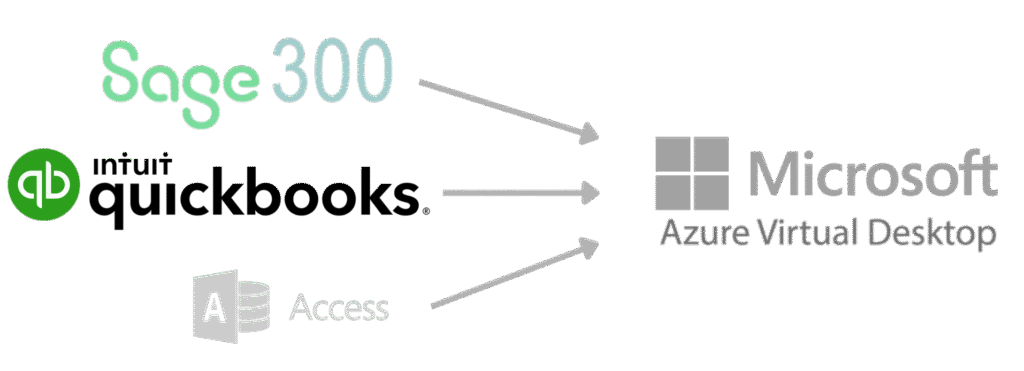
We see it all the time. A healthcare practice is 90% of the way to a modern cloud setup. You have moved your email to Microsoft 365. You are storing files in SharePoint. Your Electronic Health Records are web-based. But there is that one gray box humming in the closet.
It is your “crusty old app server.” It sits there because you still rely on QuickBooks Desktop, Sage 300, or a massive SQL database that just does not work well in a web browser. So you keep paying for hardware warranties, you keep worrying about backups, and your team keeps fighting with clunky VPNs just to check an invoice from home.
It is time to retire that server. Azure Virtual Desktop (AVD) is the solution that finally cuts the anchor.
Think of Azure Virtual Desktop as a secure computer that lives in the Microsoft Cloud rather than under your desk. It looks and feels exactly like the Windows 10 or 11 desktop you use every day. The difference is that it streams to you over the internet.
You can open your heavy-duty Line of Business applications like QuickBooks or Sage on your iPad in the waiting room, your laptop at a coffee shop, or your home office desktop. You are not just viewing a website. You are using the full, powerful desktop version of the software without the headache of installing it on every single device.
The biggest win here is freedom. We often see practice managers drive into the office late at night just to restart a frozen server. With AVD, that infrastructure is Microsoft’s responsibility. They handle the hardware reliability, power redundancy, and physical security. You just log in and work.
Local servers are scary from a security perspective. If someone breaks into your office and steals the physical box, your patient data and financial records are gone. If a hurricane hits the coast and floods your server room, you are offline for weeks.
When you move to Azure, your data lives in Microsoft’s secure data centers. These facilities have vastly better security than any locked office closet. Plus, because the data never actually leaves the cloud to sit on your laptop hard drive, a lost or stolen laptop does not constitute a HIPAA breach. You simply revoke access and the data stays safe.
Buying a physical server is a painful capital expense. You drop thousands of dollars upfront for a machine that starts depreciating the moment you plug it in. You have to guess how much power you will need five years from now.
Azure Virtual Desktop flips this model. You pay for what you use. If you need more power during tax season for your accounting team, we dial it up. When the busy season ends, we dial it down. You switch from a massive upfront check to a predictable monthly operating expense that scales with your business.
We know everyone hates the VPN. It is slow, it drops connections, and it confuses staff members who just want to get work done. AVD eliminates the need for a VPN entirely for these applications. You sign in with your Microsoft 365 credentials—the same secure login you use for email—and your desktop is ready.
This is the final step in modernizing your practice. You can finally get rid of that noisy server in the closet and give your team the flexibility they deserve.
Existing Clients: If you want to discuss moving your legacy apps to Azure, simply log in to the Client Portal and submit a ticket. We can run a quick assessment of your current server usage.
New Friends: If you are tired of maintaining old hardware and want a modern, secure IT environment, visit our Contact Us page. Let’s build a cloud strategy that works for you.


Email: sales@umbrellaITgroup.com
Sales: 904-930-4261